 spa77.works SMPEconomy survival
Player guideThe economy
The economy
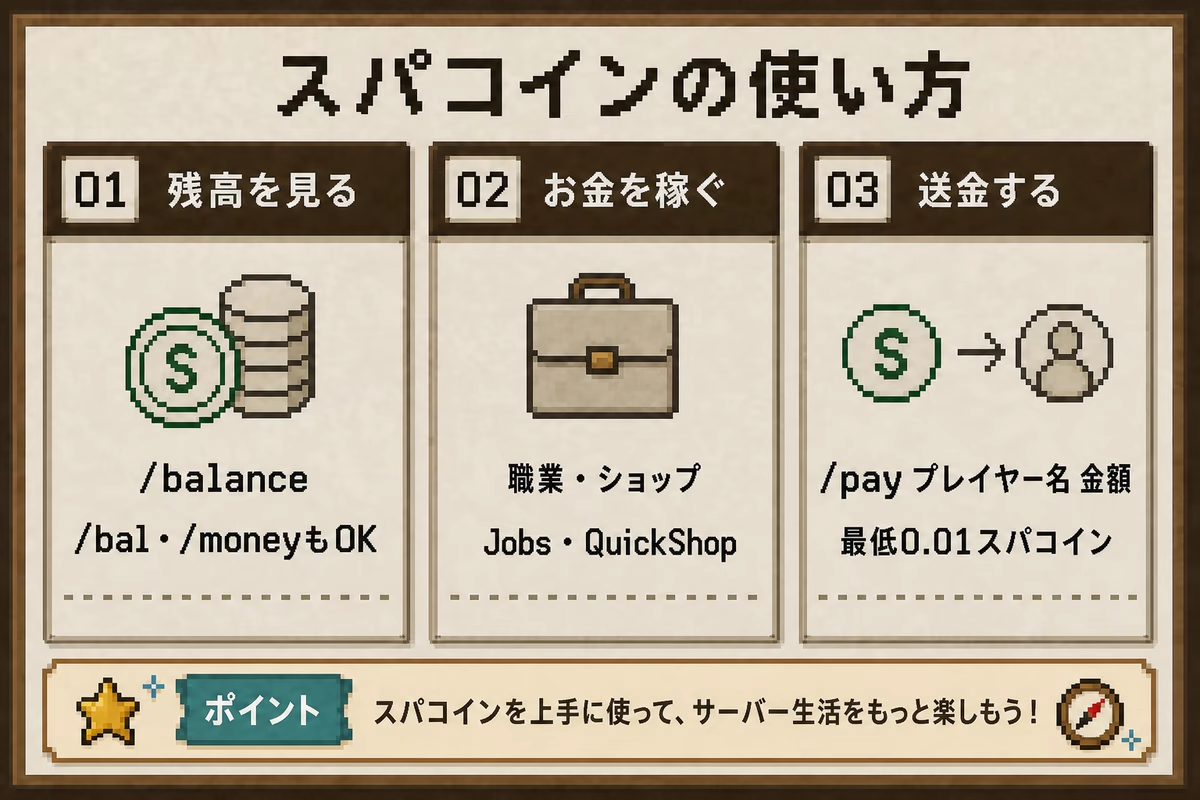
Illustrations and screenshots may show Japanese labels. The text below explains the same features in English.
The server’s currency is Spa Coins.
Balances, job rewards, player transfers, and shop transactions all use Spa Coins.
Basic settings
| Setting | Current value |
|---|---|
| Starting balance for new players | 0 Spa Coins |
| Currency display | The amount is followed by スパコイン |
| Minimum balance | 0; balances cannot be negative |
| Maximum balance | 1,000,000,000 Spa Coins |
Minimum /pay transfer |
0.01 Spa Coins |
Checking your balance
/balanceThese commands do the same thing.
/bal
/money
Sending money to a player
/pay <player> <amount>For example:
/pay Steve 100Transfers start at 0.01 Spa Coins and cannot exceed your balance; see Basic settings above. You cannot send money to someone who is ignoring you.
Ways to earn money
These are the 5 main ways to earn or receive rewards.
Take a job
Jobs pay money and experience for activities such as mining, building, farming, fishing, combat, and crafting.
You normally have only 1 job at a time, but you can switch whenever you like without a waiting period.
See Jobs for details.
Use player shops
Chest shops let you sell items to other players or buy from their shops.
Bulk-selling commands such as /sell and /sellall are unavailable. Use shops to sell items.
Creating a shop and changing its price also cost money.
See the paid-actions section of Shops for details.
List items in the auction
For unique items without an established price, such as enchanted books, an auction may work better than a chest shop.
Open it with /ah to trade through bids or buyout prices. Listing and sale fees apply.
Collect daily login rewards
Logging into the server gives you daily rewards, including items useful for adventures and everyday life.
Use /daily to check your progress or manually claim an unclaimed reward. See Daily login rewards.
Invite friends
Invite a friend and play together to earn rewards for both of you. The inviter receives 2,000 Spa Coins and the new player receives 1,000 Spa Coins. Both are paid automatically after the new player reaches 2 hours of active playtime.
See Friend invitations for details.
Ways to spend money
You can use your savings for the following features.
Random teleportation: /rtp
Randomly move to a safe location within the Resource World, Resource Server 2, Resource Nether, or Resource End. Your first successful use each week is free, resetting on Sunday morning. Further successful uses in that week cost 100 Spa Coins each.
See Worlds and travel for instructions.
Traveling to a home
Save your base as a home to return using a command. Saving or updating a home costs 100 Spa Coins. Teleporting to it costs 2 Spa Coins.
See Worlds and travel for instructions.
Buying claim blocks
Buy land-protection capacity for 10 Spa Coins per claim block.
You can protect land from Lv1 onward.
See Player levels for the requirements.
/buyclaimblocks <amount>The shorter alias /buyclaim also works.
Purchased claim blocks cannot be sold back for money.
Buying special items from the admin shop
The admin shop, opened with /shop, sells useful tools. The Return Charm takes you near your latest death location, and Transport Eggs carry creatures. The Substitute Charm protects some inventory slots on death, and bells and whistles apply effects across the server.
Stock is unlimited. Substitute Charms, Return Charms, and Transport Eggs become more expensive according to how many you personally bought in the same week. Check the confirmation-screen price before buying.
Exchanging for Spa Medals
At the lobby exchange, turn Spa Coins into Spa Medals, physical currency items used for events such as casinos. You can also give them directly to other players.
Borrowing when you are short of money
Use /loan borrow <amount> to borrow Spa Coins from the server. Interest and overdue penalties apply. See Loans for limits and repayment instructions.
Shop transactions are taxed
Player-shop transactions have a 10% transaction tax.
The tax is not displayed, but applies on the shop owner’s side of the transaction.
When setting a shop’s price, remember that the displayed price and the amount you actually receive differ.
Does the buyer or seller pay the 10% tax?
The buyer pays the displayed price. The tax is deducted from what the seller, the shop owner, receives.
For example, if you sell something for 100 Spa Coins, the buyer pays 100 and you receive 90.
Balances are taxed
If your balance is above 10,000 Spa Coins, 3% of the excess is collected as wealth tax each Monday. See Wealth tax for details.
If your money is not increasing
- Check your balance with
/balanceor/money. - If job rewards are missing, check when job rewards are reduced or unavailable.
- Shop trades may fail because of insufficient stock, funds, or shop limits.
- If a trade or reward seems wrong, tell staff the time, world, and what you did.